Activates on Steam. Region: Global.
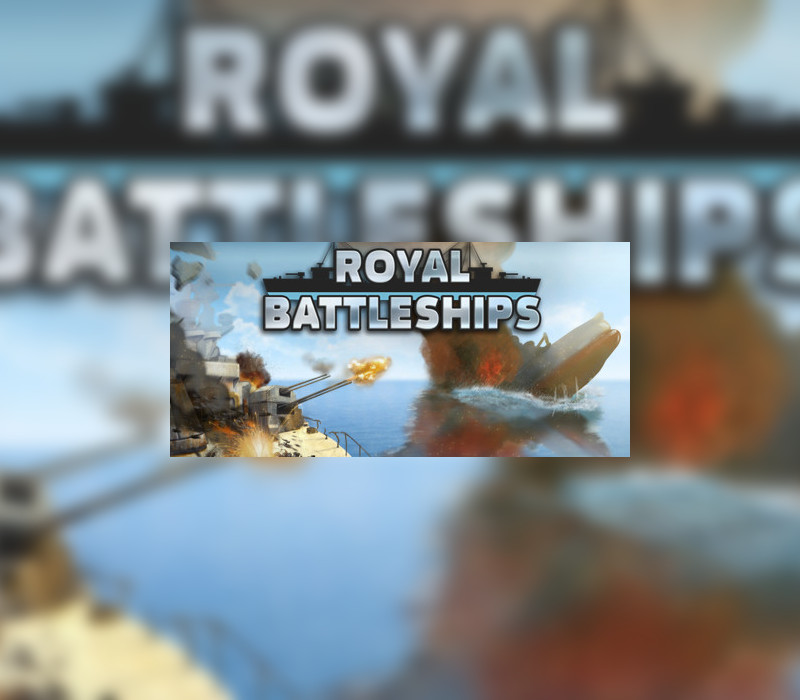
Royal Battleships
Educational Games · 2018
€11.04
€11.04
In stock
Number of keys
Delivered to your account, usually within minutes after payment is confirmed.
Card payment on a hosted page with 3-D Secure.
- Replacement or refund if a key doesn't work.
Before you buy
- Platform
- Activates on Steam. You need a Steam account and the Steam app.
- Region
- Global: no regional lockREGION FREE
- Languages
- English
- Delivery
- To your account, usually within minutes after payment is confirmed
Sometimes there is nothing better than a tourney in a classic battleships game. You can see a beautifully designed sea battle, familiar to those from your school times. You have to play against the computer and you need to destroy all enemy ships before yours are destroyed. The gameplay is very simple. When you are preparing for the match, there are some ships of different sizes - from simple battle boat to a huge battleship. You put them on the battlefield and nobody else than you knows their location. Of course, don't know the enemy's positions neither. Thus the battle is absolutely fair and you can only guess where to shoot. Of course, if you hit a battleship for the first time, it will be easy to find the other tiles. However, finding all enemy boats can be a real challenge. Do not forget that this game is not about speed, but about variety, so that the battle is always different. The game perfectly develops strategic thinking and will be useful to both adults and children. In addition, it will help you to plunge into nostalgia for simple classic games. Features Very beautiful graphics Classic game You can compete with your friends Supporting all platforms (Windows, Mac, Linux, SteamOS) A lot of Steam achievements
Redeem on Steam
You need a Steam account and the Steam app.
- Step 1: Open Steam and sign in.
- Step 2: Open the Games menu, then choose Activate a Product on Steam…
- Step 3: Enter the key and follow the prompts.
- Step 4: The game appears in your Library.
Activation notes from the publisher
Go to: http://store.steampowered.com/ and download STEAM client Click "Install Steam" (from the upper right corner) Install and start application, login with your Account name and Password (create one if you don't have). Please follow these instructions to activate a new retail purchase on Steam: Launch Steam and log into your Steam account. Click the Games Menu. Choose Activate a Product on Steam... Follow the onscreen instructions to complete the process. After successful code verification go to the "LIBRARY" tab and start downloading.
Windows
- Minimum
- OS: Windows XP Processor: Core2Duo Memory: 512 MB RAM Graphics: Intel HD2000 Storage: 200 MB available space
Linux
- Minimum
- OS: Ubuntu 12.04/SteamOS Processor: Dual Core Memory: 512 MB RAM Graphics: OpenGL 2.1+, GLSL 1.2+, 256 MB VRAM Storage: 200 MB available space Additional Notes: Windowed mode recommended due to possible base input issues.
Mac
- Minimum
- OS: Mac OS X 10.9+ Processor: DualCore Memory: 512 MB RAM Graphics: Intel GMA 950 Storage: 200 MB available space
- Platform
- Steam
- Region
- Global (listed as “REGION FREE”)
- Type
- Base game
- Languages
- English
- Developer
- Educational Games
- Publisher
- Educational Games
- Release date
- 6 April 2018
- Genres
- Indie, Casual
- Keyrook catalogue no.
- KR-FF3C6D9DF7
More for Steam
Indie, close to this price.