

Activates on Steam. Region: Global.
Red Planet: Survive
Silent Parrot Studio · 2017
€4.70
€4.70
In stock
Number of keys
Delivered to your account, usually within minutes after payment is confirmed.
Card payment on a hosted page with 3-D Secure.
- Replacement or refund if a key doesn't work.
Before you buy
- Platform
- Activates on Steam. You need a Steam account and the Steam app.
- Region
- Global: no regional lockREGION FREE
- Languages
- English
- Delivery
- To your account, usually within minutes after payment is confirmed
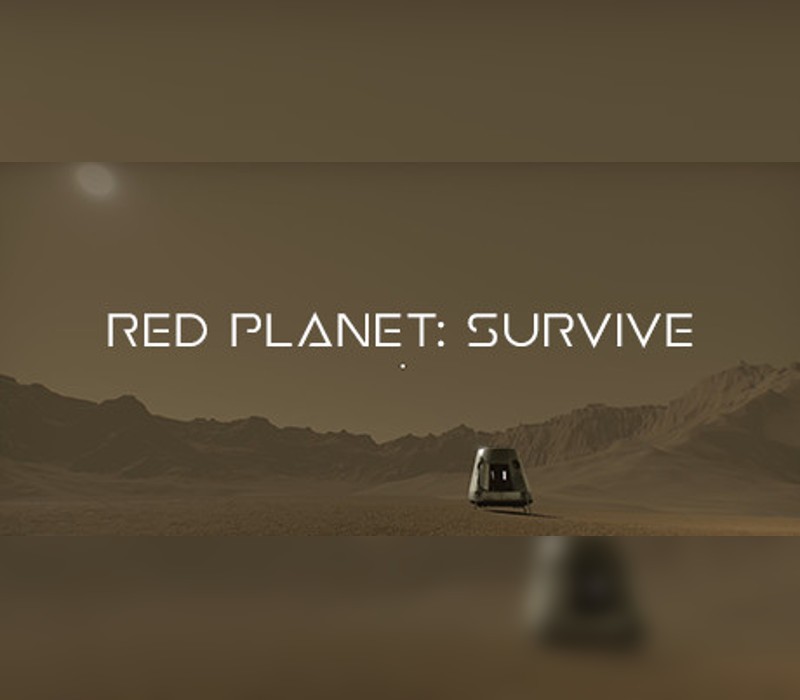
Red Planet: Survive is a first person survival game for Microsoft Windows. Surviving in the harsh conditions of the Red Planet will be hard, but if you are strong enough, you will succeed. Find the best way to survive, but be careful, since each wrong step will ensure your demise. The environment is your main enemy. Radiation, low temperatures and the oxygen-free atmosphere will certainly kill you. The meteorites also pose a threat and may even destroy your base and kill you. There is a chance to see a "burning" meteorite at each 30-50 minutes. When they explode, the parts are scattered over a fairly large radius. The modular system will let you create structures by your heart's desires. WPT (Wireless Power Transfer) is used to transfer power without cables, from solar panels to power bank/s, and then to the base. If you want to see what's happening outside at night time, you can craft a wireless camera and mount it on the base. You will also need a light source to see. For this, you can craft a "Flood Light". O2G (Oxygen Generator) will extract CO2 from atmosphere and will transform it into O2. Your temporary home will be a spacecraft. You'll be provided with a few items to survive until you will set up a farm, a base and other things that will help you to survive. You can create water by 'boiling' the soil using an electric heater (for water making). You can grow different plants in your base: lettuce, wheat, rice and onion. You will find rocks that give you different metals: aluminium, iron, silver, copper. You may use portable power banks to store energy from solar panels.
Redeem on Steam
You need a Steam account and the Steam app.
- Step 1: Open Steam and sign in.
- Step 2: Open the Games menu, then choose Activate a Product on Steam…
- Step 3: Enter the key and follow the prompts.
- Step 4: The game appears in your Library.
Activation notes from the publisher
Go to: http://store.steampowered.com/ and download STEAM client Click "Install Steam" (from the upper right corner) Install and start application, login with your Account name and Password (create one if you don't have). Please follow these instructions to activate a new retail purchase on Steam: Launch Steam and log into your Steam account. Click the Games Menu. Choose Activate a Product on Steam... Follow the onscreen instructions to complete the process. After successful code verification go to the "MY GAMES" tab and start downloading.
Windows
- OS
- Windows XP, 7, Vista, 8, 8.1, 10 Processor: 2 ghz Memory: 4 GB RAM Network: Broadband Internet connection Storage: 4 GB available space
- Platform
- Steam
- Region
- Global (listed as “REGION FREE”)
- Type
- Base game
- Languages
- English
- Developer
- Silent Parrot Studio
- Publisher
- Silent Parrot Studio
- Release date
- 24 March 2017
- Genres
- Adventure, Simulation, Survival, Indie
- Keyrook catalogue no.
- KR-35809BE3BF
More for Steam
Adventure, close to this price.