Activates on Steam. Region: Global. Software licence.
GoPlay Screen Recorder & Video Editor - Gaming Recording
Beyond Play Limited
€89.48
€89.48
In stock
Number of keys
Delivered to your account, usually within minutes after payment is confirmed.
Card payment on a hosted page with 3-D Secure.
- Replacement or refund if a key doesn't work.
Before you buy
- Platform
- Activates on Steam. You need a Steam account and the Steam app.
- Region
- Global: no regional lockREGION FREE
- Languages
- English
- Delivery
- To your account, usually within minutes after payment is confirmed
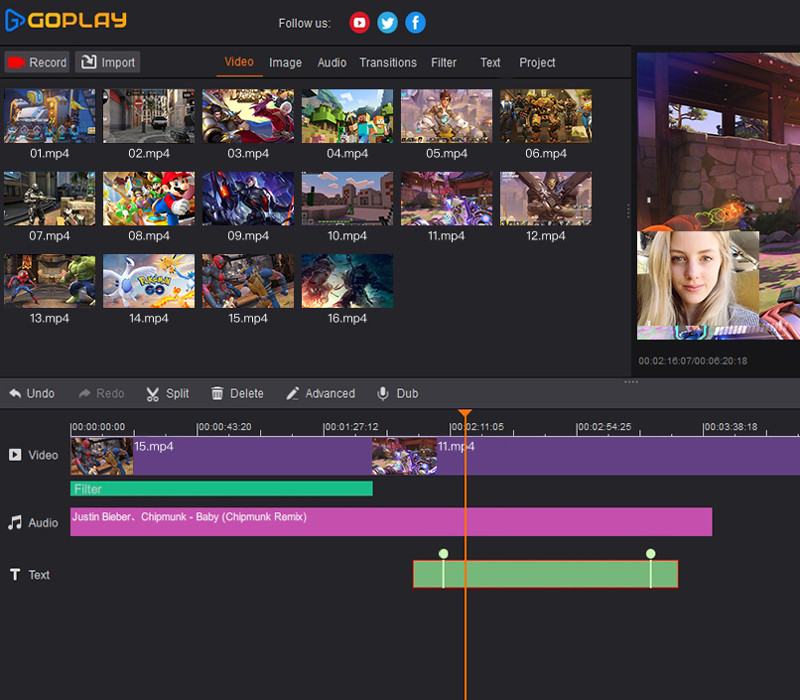
GoPlay Editor has these goodies: 1. Professional Video Recording Whether you want to record screen, gameplay or your webcam, GoPlay Editor can help you easily achieve it. Screen Recording. Easily record every pixel of the screen. Webcam Recording. Easily record life moments. Gameplay Recording. Support all 3D games. 4K-60FPS. Superb HD video quality gives you true-to-life images. 2. Multi-Track Video Editing Every video, every audio, every letter and every picture has a track that can be edited independently. Quick Editing. Easily split and merge your videos and music. Picture in Picture. Easily add pictures or videos in a video. Music and Sound Effects Massive online music library, included dynamic sound effects. Real-Time Dubbing.Powerful dubbing and multi-track audio mixing. 3. Gorgeous Video Effects Exquisite text effects, transition animation, video filters and Hollywood movie tones instantly make your work different. Advanced Text. Quickly produce subtitles and intro for your movies. Filters. A variety of exquisite filters, showing a stunning visual effects. Transitions. Seamless video transition without leaving traces. Change Speed Freely. Speed up, slow motion. Free control of the video play rhythm. 4. One-click upload to YouTube One-stop upload. Easily share your latest videos with your YouTube subscribers. Non-Pro Max of 10 mins per recording Upload videos in 720P With watermark Max of 15 mins per upload Max of 5 mins per export Pro Record without time limit Upload videos in 1080P No watermark Upload videos without time limit Export videos without time limit
Redeem on Steam
You need a Steam account and the Steam app.
- Step 1: Open Steam and sign in.
- Step 2: Open the Games menu, then choose Activate a Product on Steam…
- Step 3: Enter the key and follow the prompts.
- Step 4: The game appears in your Library.
Activation notes from the publisher
Go to: http://store.steampowered.com/ and download STEAM client Click "Install Steam" (from the upper right corner) Install and start application, login with your Account name and Password (create one if you don't have). Please follow these instructions to activate a new retail purchase on Steam: Launch Steam and log into your Steam account. Click the Games Menu. Choose Activate a Product on Steam... Follow the onscreen instructions to complete the process. After successful code verification go to the "MY GAMES" tab and start downloading.
- Platform
- Steam
- Region
- Global (listed as “REGION FREE”)
- Type
- Software licence
- Languages
- English
- Publisher
- Beyond Play Limited
- Keyrook catalogue no.
- KR-B3B161F1FE
More for Steam
Close to this price.
Activates on Steam. Region: Global. Software licence.
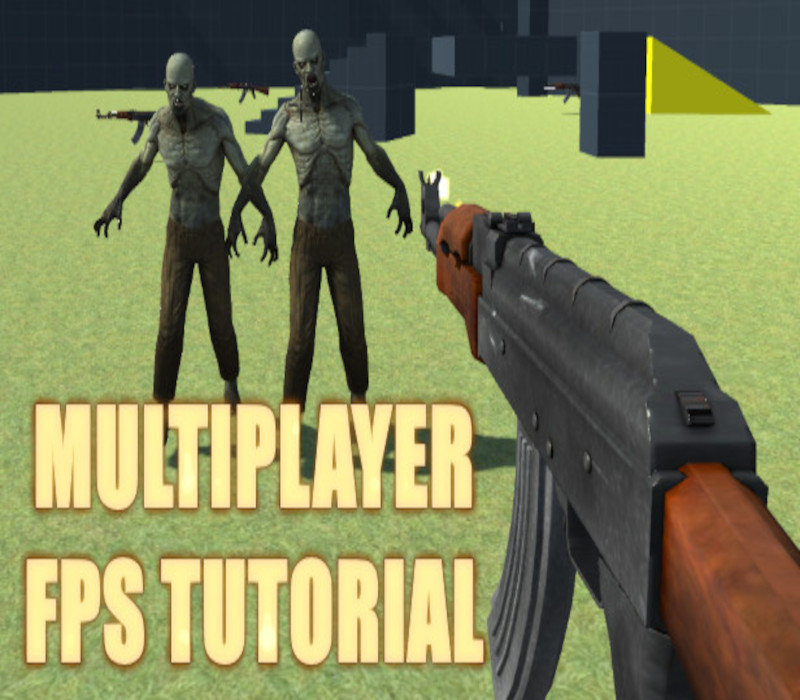
How to create a Multiplayer First Person Shooter (FPS)
EN
€99.72